
Pausing a campaign stops all ad delivery and spend. Your campaign data — including impressions, clicks, and leads — is fully preserved.
1
Go to Campaigns in the sidebar
Navigate to Campaigns in the left sidebar and click Campaigns to open your campaigns list.
2
Find and pause the campaign
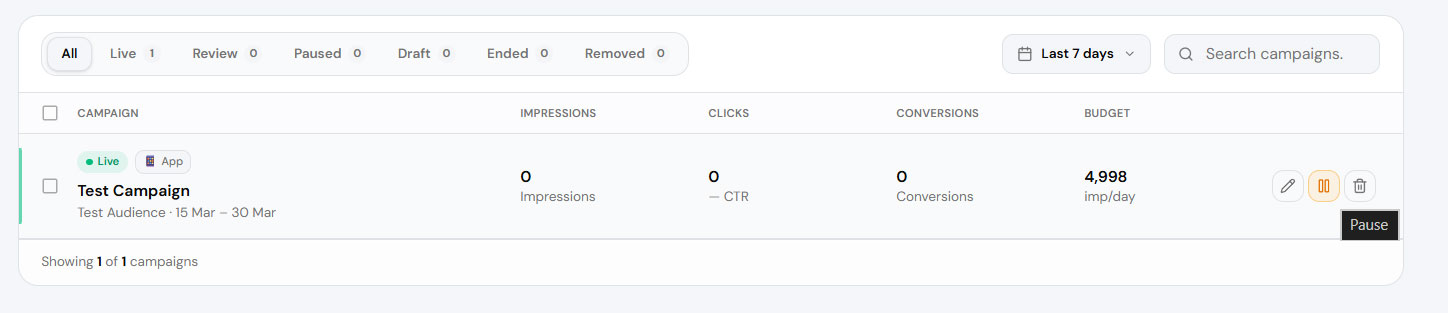
Find the campaign you want to pause by filtering or searching. Click the Pause ⏸ icon next to the campaign. Note: you can only pause live campaigns.
3
Campaign paused
Your campaign will be paused immediately. You can make the campaign live again by clicking the Play button anytime you want.
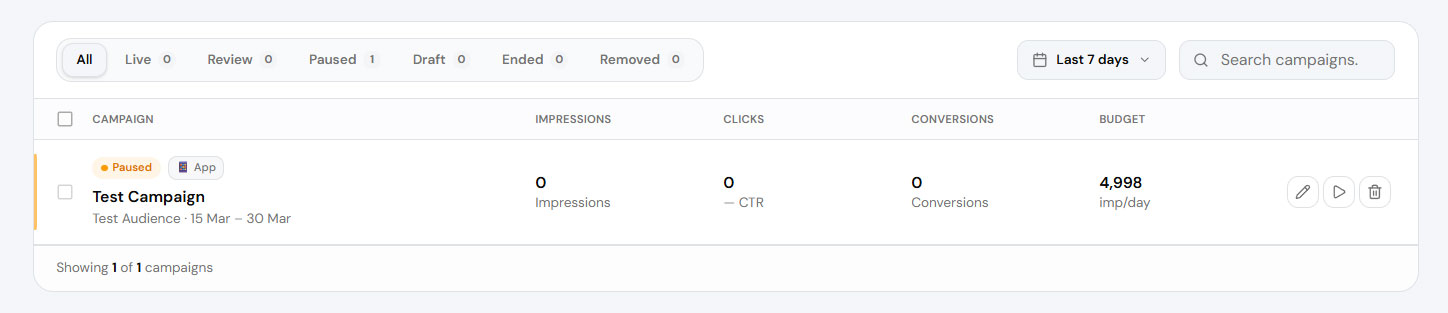
Your campaign is now paused. Click the Play button anytime to resume delivery — no setup required.